
 Start with a 30-day money-back guarantee
 Lightning-fast servers optimized for Mac performance
Blazing-fast 10 Gbps servers
Our service keeps your internet running smooth and speedy, whether you’re streaming, gaming, or just surfing. Pick from plenty of regions and jump right into your favorite content.
Fast, secure, beautifully simple
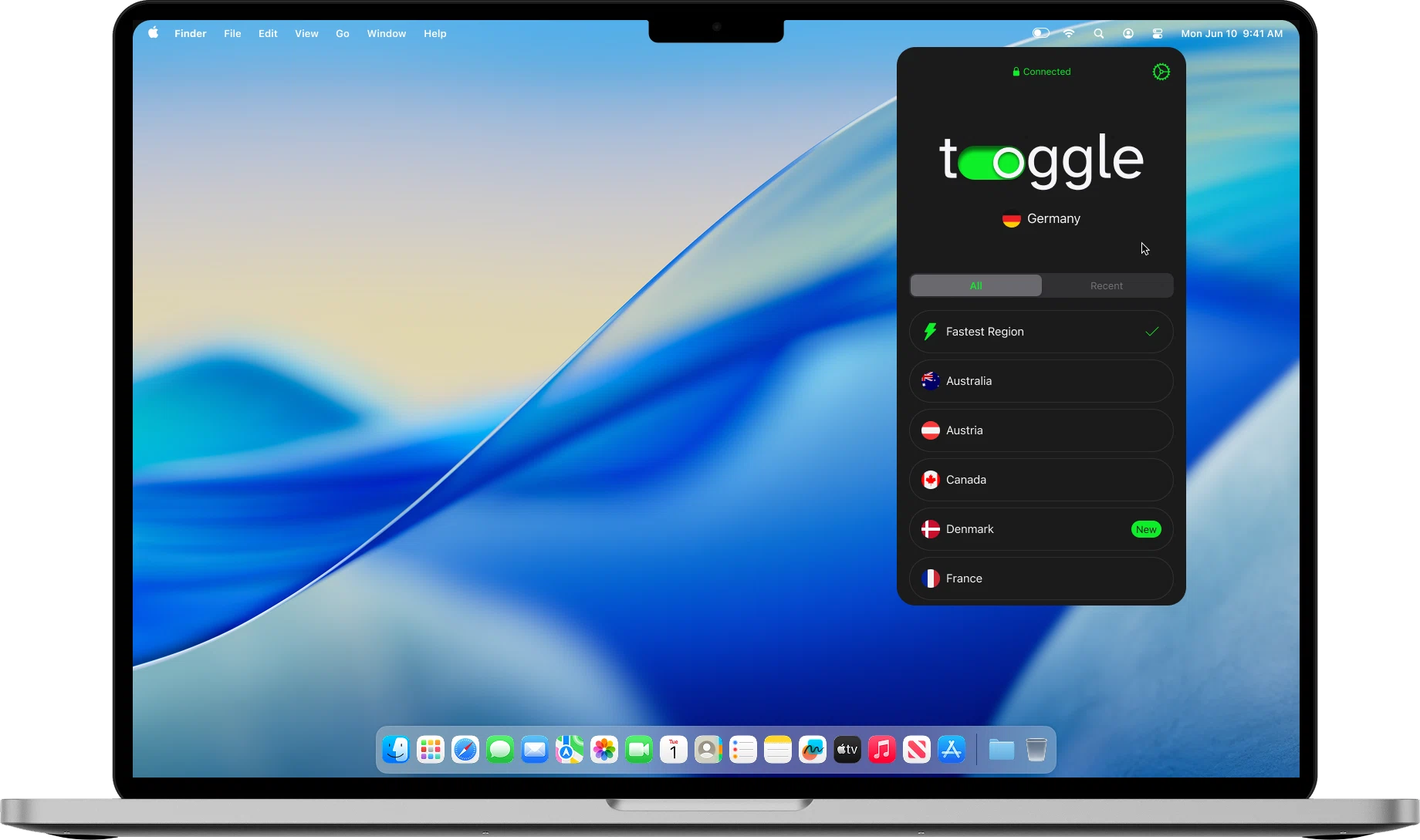

Quick setup guide
To start using the Toggle VPN on your Mac, you simply need a few minutes of your time. Follow these simple instructions to install the app and secure your connection.
Get the macOS app version
Download and install our lightweight application from the App Store. The whole process will only take a few seconds.
Create an account
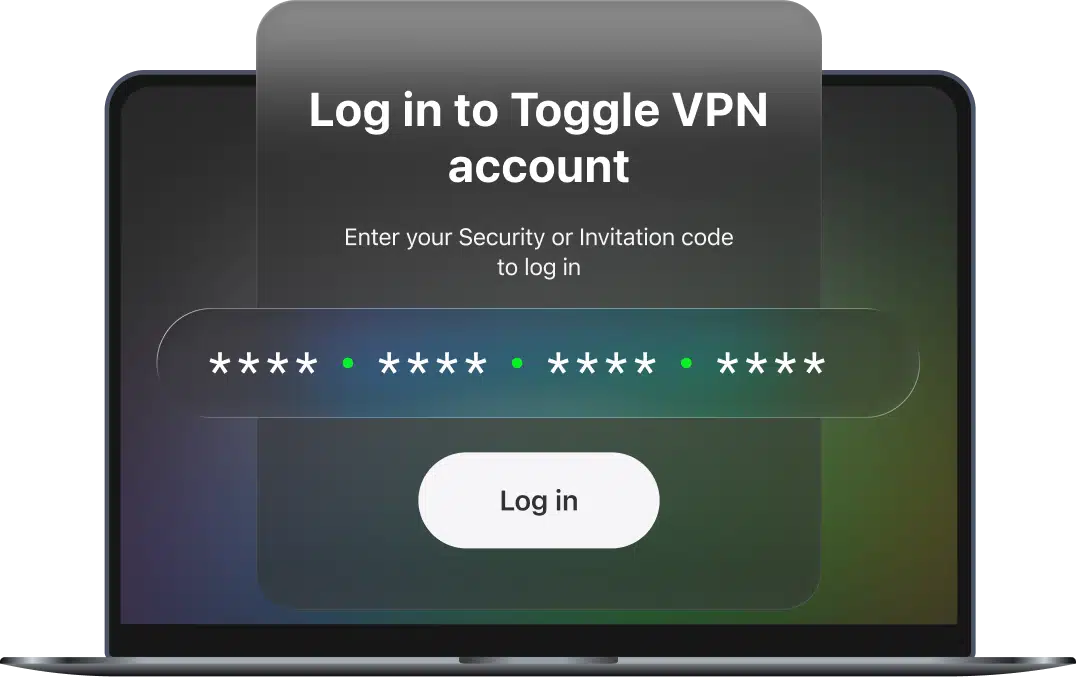
Set up a Toggle VPN account. You’ll be able to use the provided Security Code to connect up to 10 devices.
Launch the app and enjoy
Log in using the Security Code. Once you're in, select a preferred server location from our global list. Or just hit the connect button. That's it! Your Mac is now protected, and traffic is encrypted. Once connected, you can switch server locations anytime depending on what you need — privacy, streaming access, or faster connections.

Essential tool for a laptop
A reliable VPN provides an additional level of privacy and freedom for a Mac device. Our service is designed to integrate smoothly with macOS while keeping things simple.

Bulletproof security on public Wi-Fi
Our trusted VPN encrypts all internet traffic, keeping you anonymous and protecting your personal data, passwords, and credit card info from hackers on the same network.

Unblock streaming and content
Access geo-restricted websites and services. Our native app allows you to change virtual location instantly, providing you with access to content that may be restricted in your location.

A native-like experience for your Mac
Toggle VPN for Mac is created with a simple and intuitive user interface, which is typical with Mac products — easy to navigate, fast to connect, and effortless to manage.

Stop snoopers in their tracks
From an internet service provider to data-hungry websites, a lot of parties are interested in tracking your online activities. Our app hides your browsing history, keeping your online life private.

Toggle VPN is built for modern Apple computers and works seamlessly with:
Your subscription also works on other platforms, allowing you to use it across up to 10 devices at a time.
You can install it on:
iOS and Android
Enjoy a leak-proof mobile experience on smartphones and tablets.
Apple TV and Android TV
Access your favorite global streaming content from the comfort of a living room.
Windows and Linux
Use a seamless VPN for browsing, streaming, gaming, and working on PC or laptop.
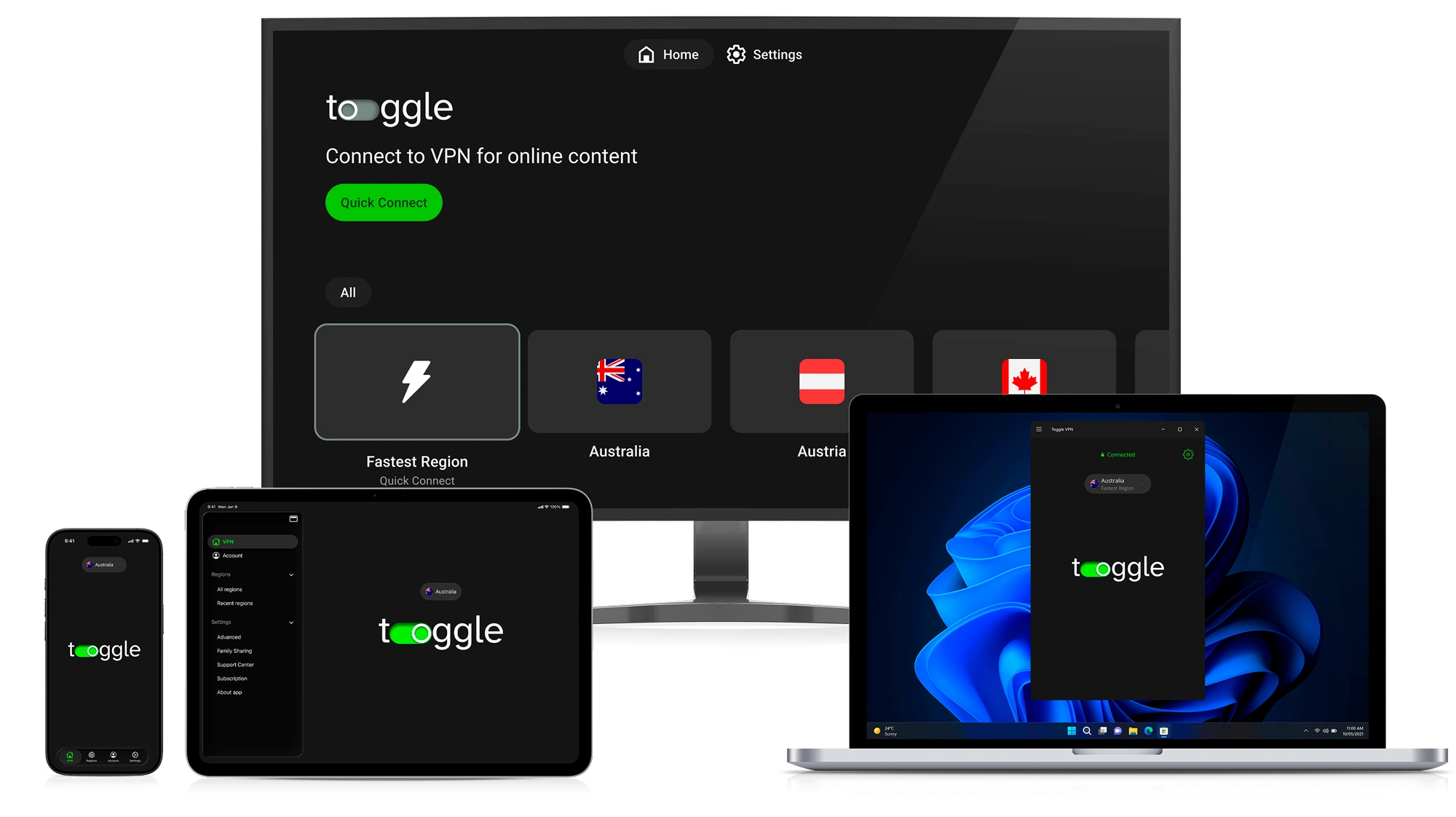
Available on:
World at your fingertips
Our service keeps your internet running smooth and speedy, whether you’re streaming, gaming, or just surfing. Pick from plenty of regions and jump right into your favorite content.

We take your privacy seriously. Toggle’s advanced encryption scrambles your personal data, keeping your info locked down. Whatever you’re doing online stays between you and your Mac.

Forget complicated setups. Our native Mac app is simple — just open it, hit “connect,” and you’re good to go. Using a VPN has never been easier.

The application wipes out intrusive ads and stops trackers before they even load. You get faster websites, fewer distractions, and you use less data.

Public Wi-Fi, home on the couch, or hustling at the office — we’ve got your back on your MacBook or desktop. Your connection stays secure no matter where you are.

Your privacy is non-negotiable. We don't keep tabs on what you do online following a strict no-logs policy. Your browsing history is your own business.
What you get when you go Premium
While it may be tempting to use a free VPN for your Mac, it is important to note that most free services have limitations, such as slow speeds and weak privacy protection. Our app doesn’t mess around. It keeps your device running fast and info locked down. With Toggle, you really get what you pay for — actual privacy, speed that matches your Mac, and the security you need.
Feature
Toggle VPN is backed by a global network of high-performance servers, which offer speeds of up to 10 Gbps.
This enables you to:
Our powerful servers ensure your Mac is always fast, even with the VPN enabled.

United Kingdom

Singapore

Germany

Hong Kong

Brazil

France

Canada

USA

Austria

Switzerland
Real reviews from the Mac community
"Toggle works perfectly on my MacBook Pro to unblock streaming sites, and the speeds are amazing for downloading large files."

"I'm always working from home, and Toggle gives me total peace of mind. The app is super easy to use on my MacBook Air and doesn't slow down my connection at all."
"A VPN that doesn't kill my ping in games, I play on my Mac Studio with zero lag"
"Tried another vpn before this one. Toggle gives extra speed and server options and works perfectly on my older MacBook Air."
"I upload huge photo galleries to clients. with toggle's servers, my uploads are fast, even when I'm on public wifi. incredibly helpful."
"One click and I'm secure. Very nice!"
"I can access educational resources from other countries for my lessons. It's reliable and easy to use. And blocks pop-ups too!"
"Works perfectly on my M2 MacBook Air. Setup was effortless."
"Great for privacy when working remotely, exactly what I needed"


We understand that selecting a solid VPN is a big decision. That’s why we want you to try the speed, security, and peace of mind risk-free. Our service is designed to feel right at home on macOS.
It protects your online activities, whether you’re streaming, working remotely, gaming, or surfing the web from home or a public network.Make your Mac data safe and protected with our 30-day money-back guarantee. If you’re not satisfied for any reason, just let us know, and we’ll give you a full refund.
Yes. The service is fully compatible with macOS 12 (Monterey) and all subsequent macOS versions, including macOS 13 (Ventura), macOS 14 (Sonoma), macOS 15 (Sequoia), and macOS 26 (Tahoe). Our application is updated regularly to ensure seamless performance with every new mac version. Whether you have a modern MacBook with Apple Silicon processors or an Intel-based Mac, you can use Toggle VPN reliably, with seamless integration with your device's system settings.
To check what version of macOS your computer is currently running, simply click on the Apple menu located in the top left corner of your screen, then choose "About This Mac." A small window will pop up, showing you your macOS version, as well as basic details about your device. This is the easiest way to determine compatibility with our software or any other software you're using.
No. It is a lightweight app that has been optimized to run on macOS. This means it has been engineered to have a small impact on your Mac's performance and battery life. In fact, most people don't notice any difference at all compared to surfing the internet without a VPN.
Absolutely. A single subscription allows you to connect up to 10 devices at a time. This means you can protect your entire Apple ecosystem at once, including your Mac, iPhone, iPad, Apple TV, as well as other devices such as Android smartphones and tablets, Windows laptops, etc. You stay protected across all your gadgets without needing separate accounts.
Open the app on your Mac, go to the region list, and select the country you want to connect to. Once you choose a location, click Connect, and the app will automatically establish a secure connection through that server. You can change servers anytime, and the process only takes a few seconds.
Yes. It uses the robust WireGuard and Shadowsocks encryption protocols for the ultimate combination of speed and security. Your internet traffic and data are always safe with Toggle. Besides, all your browsing is also protected by the robust ChaCha20 encryption algorithm, which is more advanced than traditional encryption algorithms.