Unlock global libraries
Binge your favorite Netflix US, UK, Japan, or Canada content with the same ease as switching channels. Enjoy what you paid for, wherever you are.
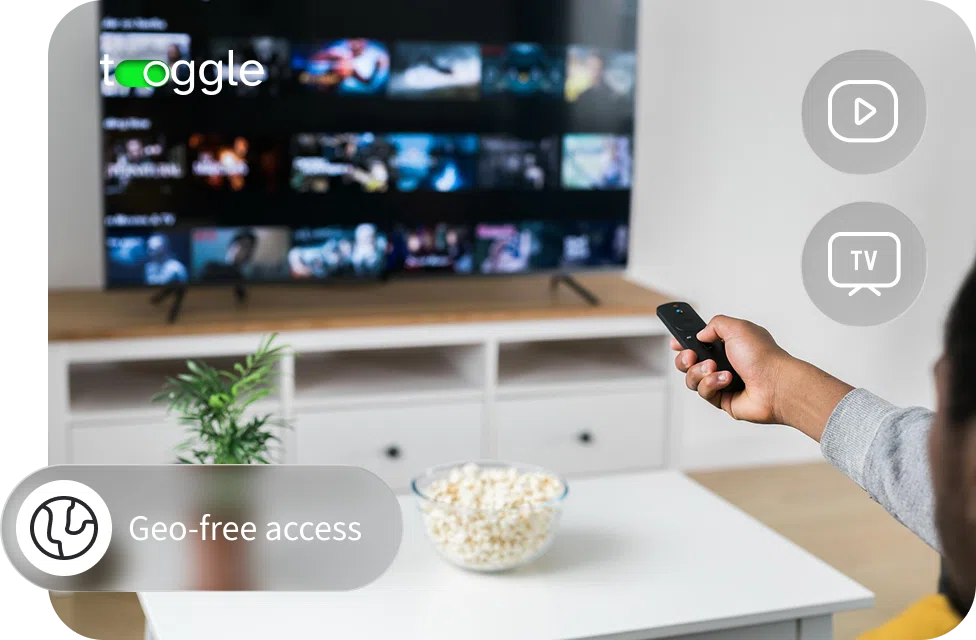
All-access pass to global entertainment
 Blazing fast speeds for 4K and UHD streamingInstant access to high-speed servers worldwideOptimized for smart TVs and streaming boxesAd Blocker for a cleaner viewing experience
 30-day money-back guaranteeStart 7-day free trial

Protected big-screen traffic
Using the app on your large-screen device is like giving it a cloaking device. It encrypts all the data coming in and out, so your internet provider can't see what you watch or throttle your connection. More importantly, it changes your virtual gateway, letting you unlock content libraries from other countries and opening up a wider catalog of entertainment.
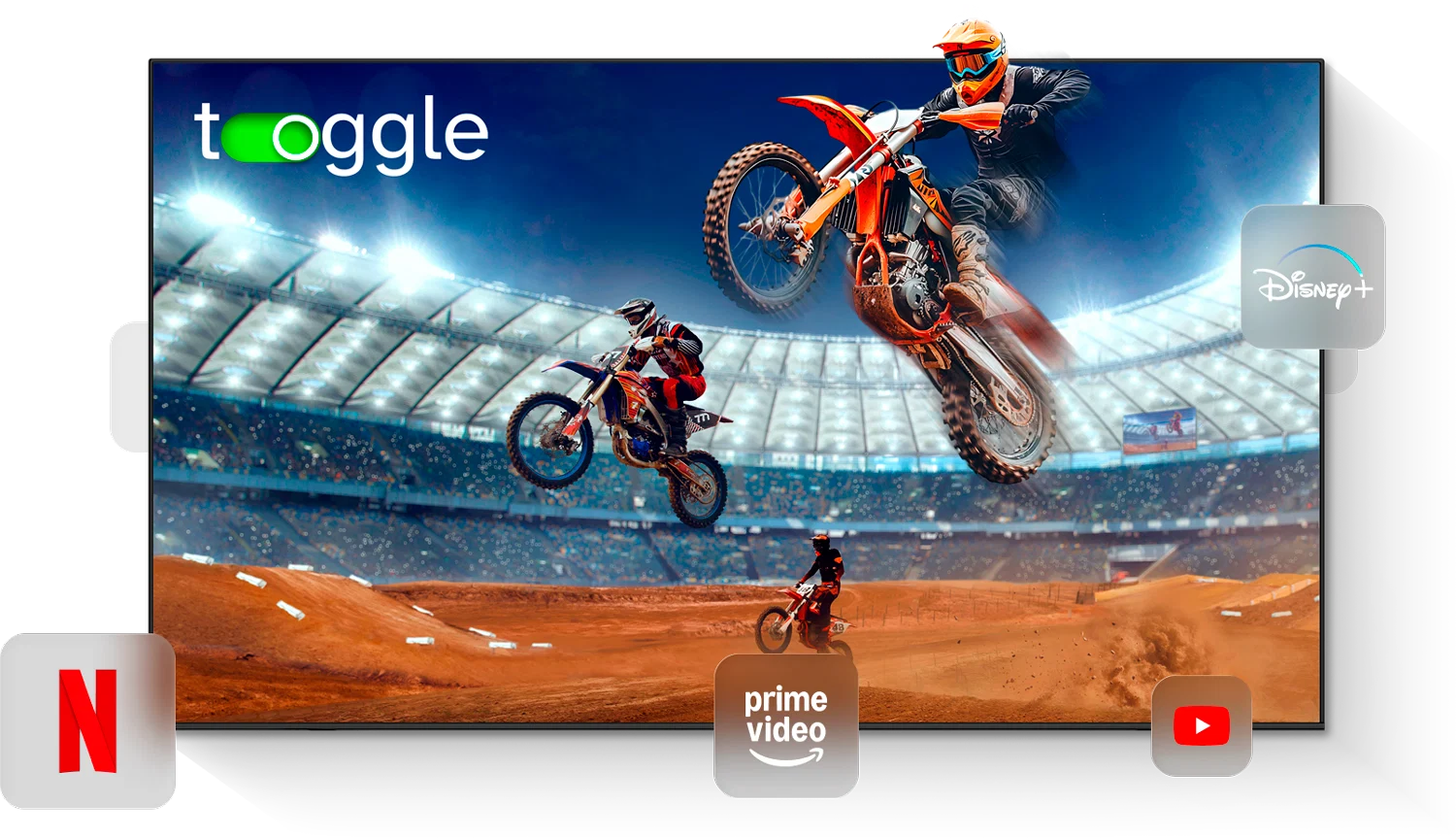
Available on
3 steps to private streaming
With Toggle VPN for Android TV, everything is done directly on your device. There are no complicated configurations to deal with. Just install, connect, and enjoy secure, lag-free streaming.
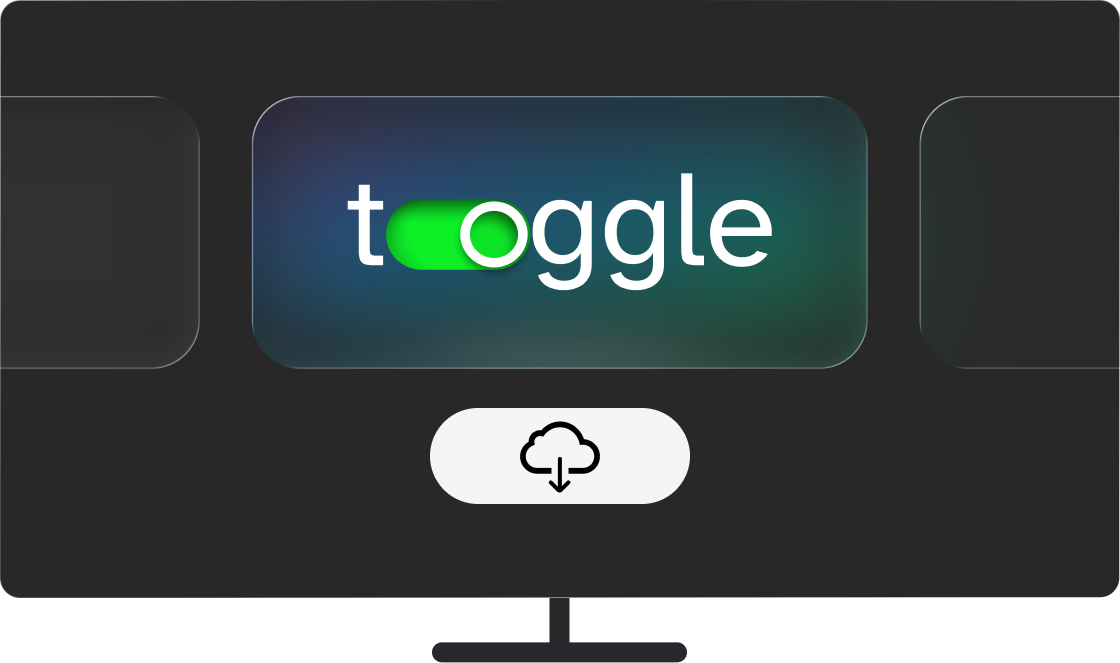
Download the application
Launch the Google Play Store on Android TV or TV box and search for Toggle VPN. Download and install it.
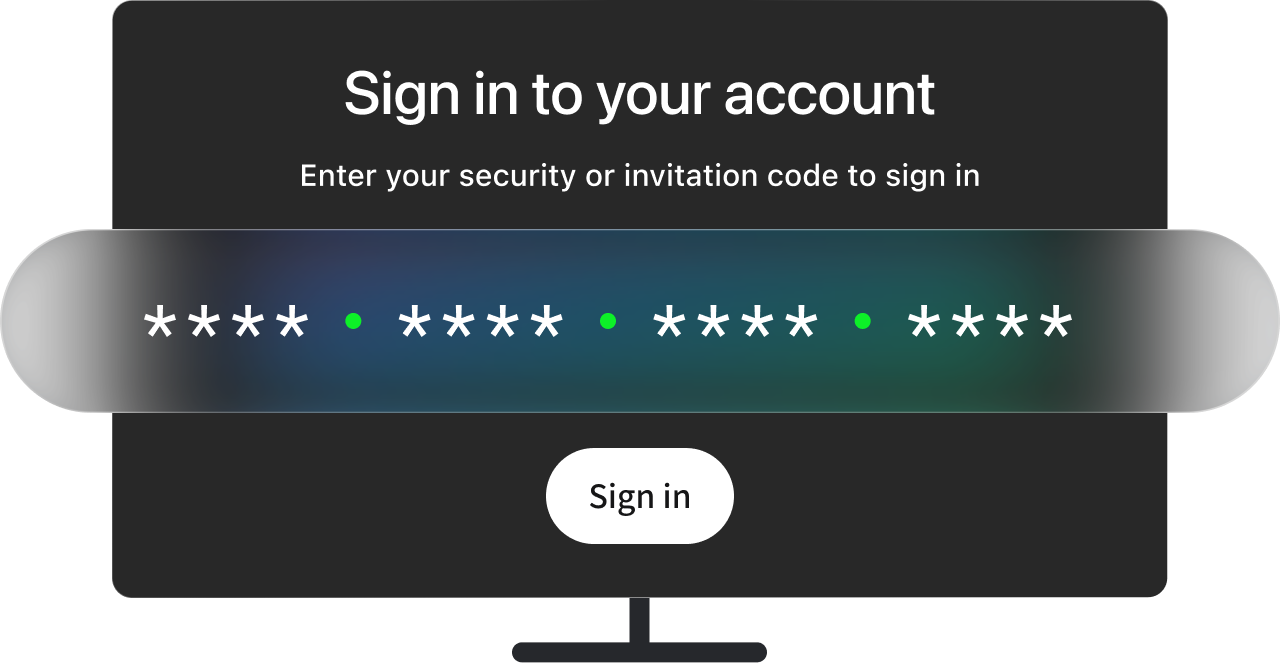
Log in or subscribe
Use your Security Code to enter your existing account or create a new Toggle VPN subscription. Your personal code is used to connect all your devices, including smart TV.
Stream securely and unblock content
Choose a region based on what you want to watch. Whether you're streaming movies, shows, or live sports, simply select the country and enjoy secure, private access to global content on your big screen.

Our VPN supports Android TV 8.0 (Oreo) or newer. This covers virtually all modern devices, including built-in smart TVs and external streaming boxes. It works seamlessly with major brands like Sony, TCL, Hisense, Philips, Sharp, and Xiaomi running Android OS.

The app has been developed with the big screen in mind. The interface is simple, remote-friendly, and easy to navigate, making it ideal for living room setups.
Plus, over 1,400 optimized servers worldwide ensure smooth HD and 4K content, while keeping your connection safe and secure with modern encryption protocols.
If you couldn't download and install the app from Google Play, you can simply stream content to your large screen directly from your phone or laptop.
All you need is the Toggle VPN app downloaded and installed on your Android, iOS, PC, or laptop device, and Google Cast (Chromecast) supported on your TV. Simply turn on your preferred region using the Toggle VPN app, then launch a streaming service, press the "Cast" icon and select your Android TV device to start streaming.
Anything you want to watch on your phone will be reflected on the large screen, encrypted and unblocked.
Service's killer features

Toggle is built specifically with large screens in mind, making it simple to use your remote to connect to a server or swap between different regions. The interface is clean and easy to use, which means you can spend less time navigating and more time watching.

You don't have to worry about running out of bandwidth. With Toggle, stream as much as you want without worrying about being cut off mid-movie. Our service is designed to let you enjoy films, series, shows, live channels, and sports without interruptions.

The app comes with a powerful ad blocker that prevents annoying video commercials, pop-ups, and third-party trackers from reaching your Android TV. The result is faster loading times as well as less data being wasted on intrusive ads.

One account allows you to secure up to 10 devices. Use it on smart TV for large-screen experience, PC or laptop for work, and phone for on-the-go browsing. This means you can secure your entire digital world with just one account.

We don't monitor your activities or locations. Our strict no-logs policy is our commitment to your online security. Your browsing habits and connection details are not monitored or logged. What you enjoy and how you spend your time on the web is your own business.

Our top-grade encryption protocols ensure your online activities are secure while you watch your favorite shows. This protects your data from potential monitoring by ISPs, network administrators, or other third parties. Enjoy streaming with complete peace of mind.
Toggle vs. free VPNs
Feature
The problem
The solution
VPN doesn't connect
Restart app, and try connecting to a different server
Streaming platform blocks VPN
Try a different server location
Slow speeds
Connect to a closer region
Can't install the app
Check compatibility with your device’s OS. Try updating it. If all else fails, use a VPN-enabled smartphone/laptop as a source for your TV screencast
Having trouble logging in
Make sure you enter the correct Security Code
Internet connection unstable
Restart router and device
Yes, absolutely. A single Toggle subscription covers up to 10 devices, which means you can use it on multiple gadgets in your home. Install our VPN on all your Android TVs, phones, tablets, computers, or laptops. Whether you have a Sony TV in one room and a TCL in another, just download the app on each device, log in with the same account, and you're good to go.
For most users, no, it shouldn't noticeably affect your streaming speed. Toggle VPN uses high-speed servers that are optimized for streaming, which helps maintain stable UHD and 4K playback. In some situations, it may even improve the viewing experience by preventing your internet provider from slowing down your connection when it detects heavy streaming activity. With Toggle, your traffic is encrypted, so your ISP can't single it out.
We offer a fully dedicated TV app built specifically for large screens and remote control navigation. The interface is simplified so users can easily connect to a server, select a new location, and manage the connection using a remote control. All you have to do is open the Google Play Store on your Android TV and search for "Toggle VPN" to install it in a matter of seconds.
Yes, many of our users rely on Toggle VPN to access different streaming libraries. If you connect to a server in the United States, you can easily watch Hulu. If you connect to a UK server, you can watch services such as BBC iPlayer. This is also the case with other services such as Disney+, HBO Max, Peacock, Netflix, ESPN, DAZN, and many more. Changing the locations is very simple and can be done in a matter of seconds.
Yes. With the Toggle VPN free trial, you get to use the service for free for 7 days. Additionally, the service comes with a 30-day money-back guarantee. This gives you ample time to test the service on your Android TV and other devices. If the service does not meet your expectations, you can always ask for a refund within the 30-day period. There are no questions asked.
Usually, the Play Store will automatically update apps in the background. However, if you wish to check for an update manually, select the "Apps" option from the home screen of your smart TV. Go to your app list and select "Toggle VPN." Press the "Options" button on your remote and select "Check for updates." If an update is available, for example, if the server features have been updated or if the app has performance improvements, an "Update" button will be displayed.
The service users love
"Finally I can watch Premier League on my Sony TV without blackouts. Fast and easy. The connection has been very stable."

"Set up on my Philips in 2 minutes. Now I get Netflix US here in Germany"
"Crystal clear UDH on Disney+ and works with Kodi too"
"Was using a free VPN, but it kept disconnecting. Toggle is rock solid on Xiaomi Mi Box."
"I bought a hisense u7 and toggle was the first app I installed coz I trust them after using it for a while on my other devices"
"Simple enough for my dad to use on his TCL. That says everything"
"The 30-day guarantee made me try it. I kept it after one evening."
"I use the same account on my phone and TV. Super convenient. Best VPN I've tried for Androids."
"Streaming quality stayed in 4K with no buffering. Very impressed."

Try the app risk-free
Access Netflix, Hulu, Disney+, Peacock, and other streaming services' regional librariesWatch football, ice hockey, baseball, or UFC on ESPN, DAZN, and many moreView YouTube and any other videos lag-free