Toggle VPN Logo
Pricing
Download VPN

DESKTOP

Windows
MacOs

Mobile

Android
iOS

TV

Android TV
Apple TV
ServersContact Us
Sign inStart free trial
Pricing

DESKTOP

Windows
MacOs

Mobile

Android
iOS

TV

Android TV
Apple TV
ServersContact Us
Start free trialSign in
Toggle VPN Logo

Go Far. Be Local.

PRODUCT
My AccountToggle VPNServer LocationsPricingSubscription Cancellation
COMPANY
Terms of UseWebsite Privacy PolicyApplication Privacy PolicySupportOur Guarantees
DOWNLOAD VPN
Android iconVPN for AndroidiOS iconVPN for iOSWindows iconVPN for WindowsmacOS iconVPN for MacAndroid TV iconVPN for Android TVApple TV iconVPN for Apple TV
SOCIAL MEDIA
GitHub iconGitHubLinkedIn iconLinkedinInstagram iconInstagramYoutube iconYoutubeX (Twitter) iconX (Twitter)socialMedia.icons.telegramTelegram

Location icon131 Continental Drive, Suite 301, Newark, DE 19713-4323

Email icon[email protected]

© 2026 Toggle Inc. All rights reserved

Our team of technical experts is dedicated to developing innovative technology solutions for online security and internet privacy.

Quick, safe, built for your PC

Definitive VPN for Windows PC and laptop

Check mark30-day money-back guarantee

Check markWindows 10/11 (64-bit) compatible

  • Check markSeamless browsing, streaming, gaming, and work calls
  • Check markSuper-fast servers with ultra-low ping
  • Check markTop-tier encryption and no-logs policy
  • Check markUser-friendly interface for Windows 10/11
vpn for windowswindows icon

Simple step-by-step guide

How to download and set up Toggle VPN

Starting the app is quick and easy.

Step 1

Set up your account

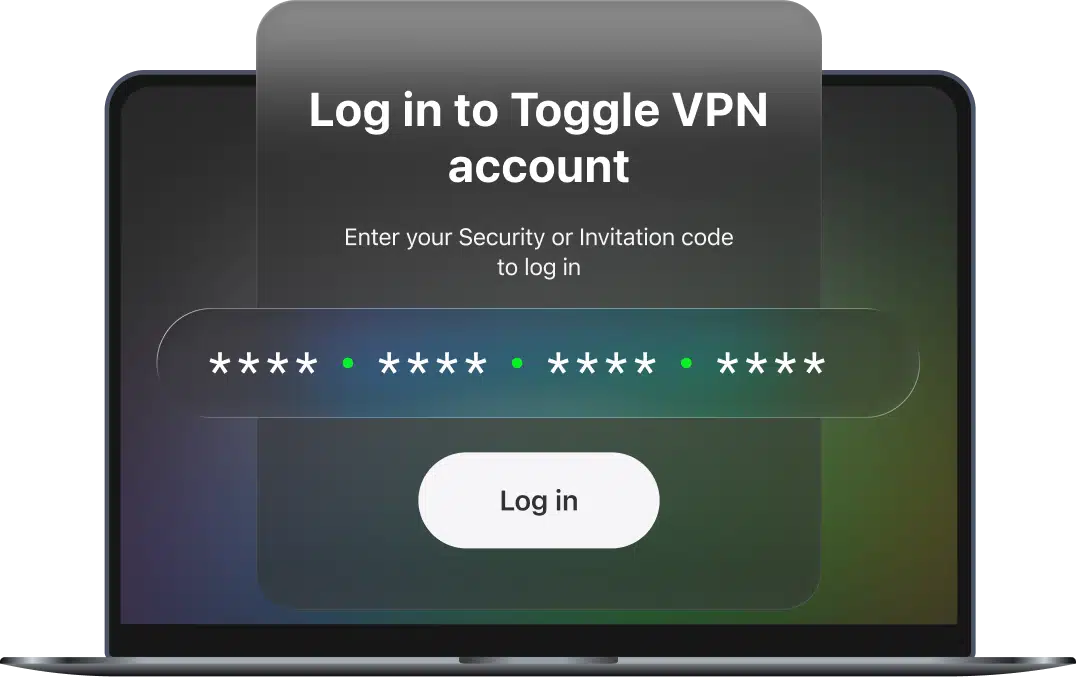
Create a Toggle VPN account. Instantly gain access to all servers and features.

create a Toggle account
Step 2

Get the app

Download the Windows 10/11 installer and run it.

Toggle VPN app for PC
Step 3

Connect to a server

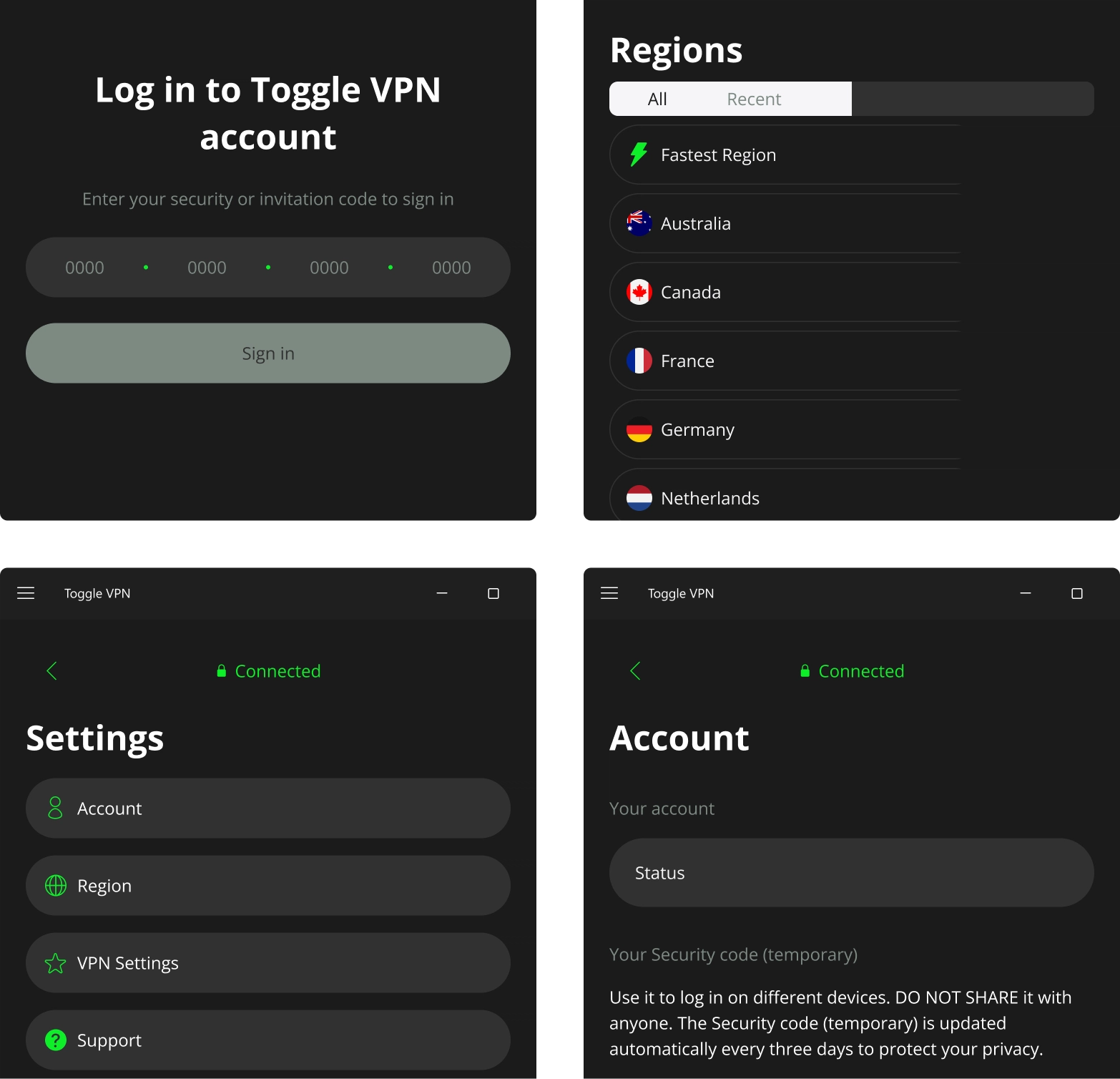
Launch the app. Choose your desired location and connect.

selecting a location and connecting

Browse, stream, work online with confidence

What is Toggle VPN for Windows?

Toggle is a powerful app that is optimized for Windows computers and laptops. It provides a safe, secure environment for users to surf the internet by establishing a virtual private network that ensures that your IP addresses are protected from hackers and other malicious entities, whether you’re at home or on public Wi-Fi.

Why it’s perfect for your Windows device

  • User interface is simple and clean, designed for desktop navigation
  • Advanced options and controls, suitable for both novice and expert users
  • Optimized for laptops, minimal system resource usage
  • Quick switching between servers, excellent for a multi-tasking environment

Whether you use your PC or laptop for work, gaming, streaming, or secure browsing — Toggle VPN adapts to your workflow.

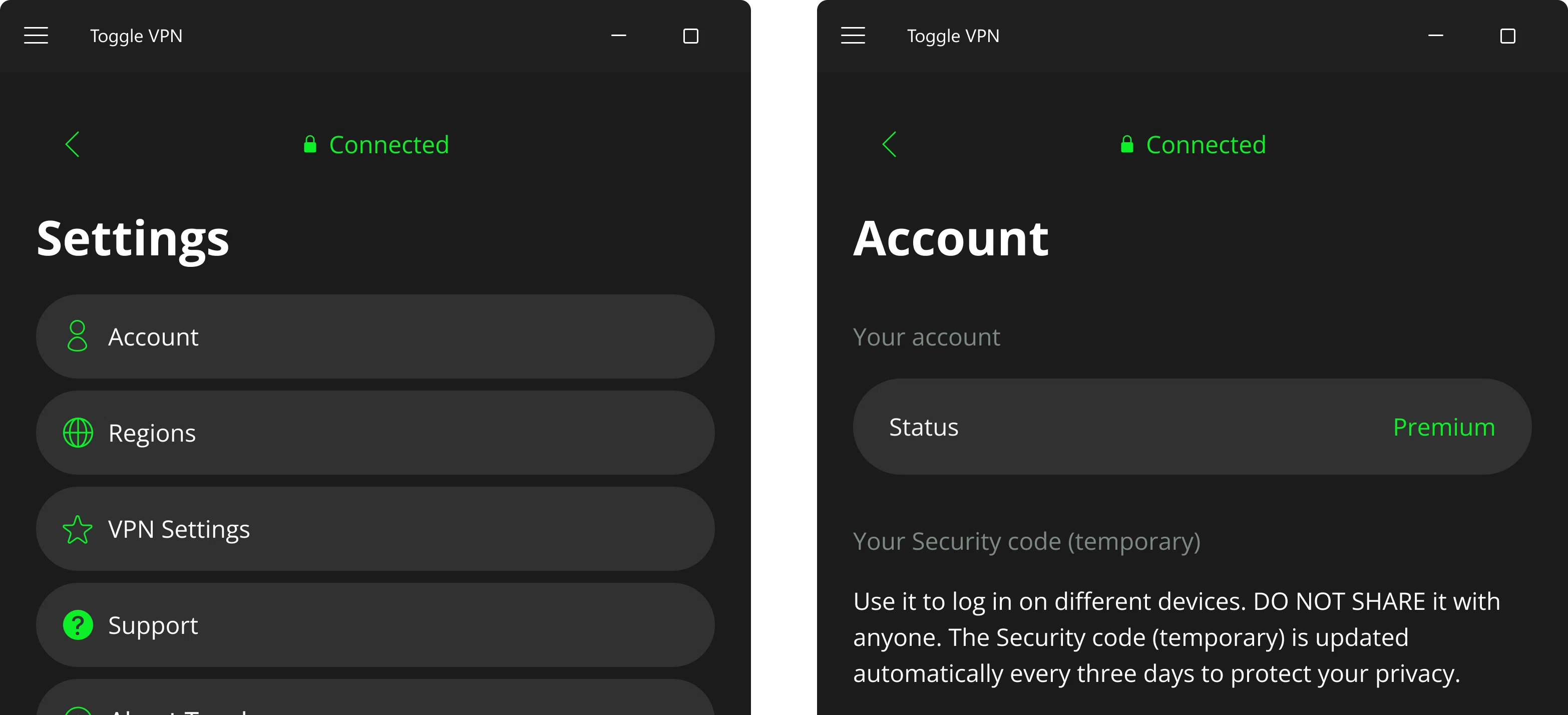
intuitive vpn settings and control elementsintuitive vpn settings and control elements
compatibility with other devices

Compatibility

Toggle VPN is compatible with:

  • Windows 10/11 (x64)
  • Desktop computers
  • Laptops, ultrabooks
  • Hybrid devices with a full Windows OS
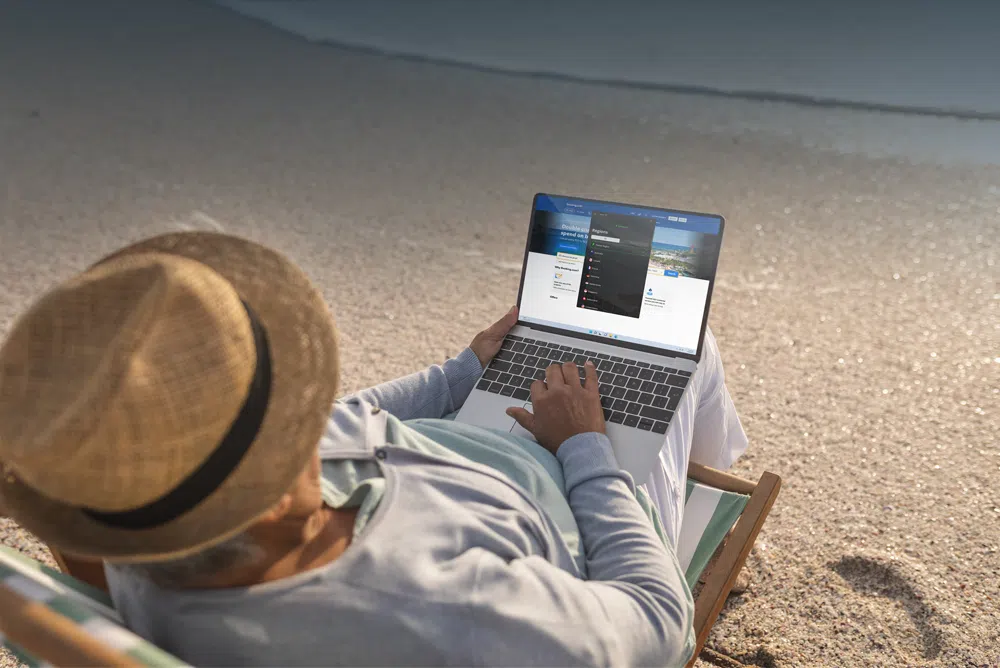
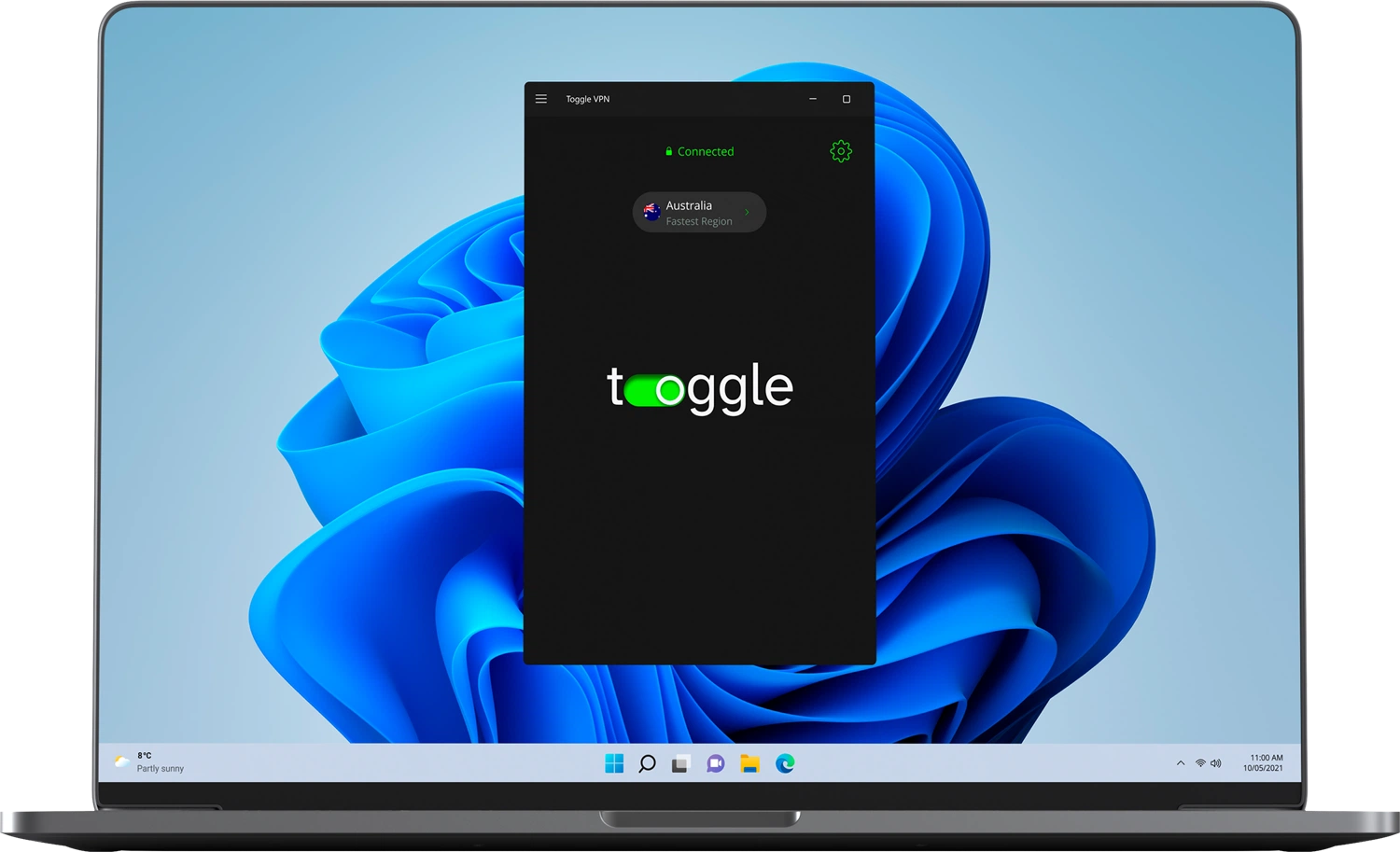
toggle vpn logovpn for windows 10/11 on a laptop
system requirements

System requirements

OS: Windows 10 or 11
RAM: 512 MB minimum (1 GB recommended)
Disk space: 100 MB

Internet connection
Administrator rights for installation

Compatibility

iOS
Android
Android TV
Apple TV
Windows
MacOS
Linux

Powerful layer of protection

Why Windows users choose Toggle VPN

fast connection speed icon

Lightning-fast speeds

Enjoy a stable connection with optimized servers.

easy to use PC app icon

Easy-to-use desktop app

Designed specifically for mouse-and-keyboard navigation.

home network security icon

Secure home network

Keep your desktop or laptop safe with rock-solid security protocols.

lag-free games on PC icon

Gaming-friendly performance

Low-latency servers for a smooth gaming experience.

protection of remote work sessions icon

Work-from-anywhere protection

Safeguard your sensitive data during remote work sessions and voice calls.

browsing privacy icon

Ironclad privacy

Independently audited, strict no-logs policy.

Advanced controls, smart features

How to use Toggle VPN on Windows devices

Our app provides you with powerful features without making things complicated. Let’s see how you can use the main features like a pro.

Connect on Windows

Quick connect/disconnect

Just press the Toggle button on the main screen. It will automatically connect you to the fastest server depending on your location. Alternatively, you can press the Connect button next to the region you want to connect to. As soon as you connect to the VPN server, your IP will be hidden. To disconnect, just press the Toggle button again. It's just a single click to connect and a single click to disconnect.
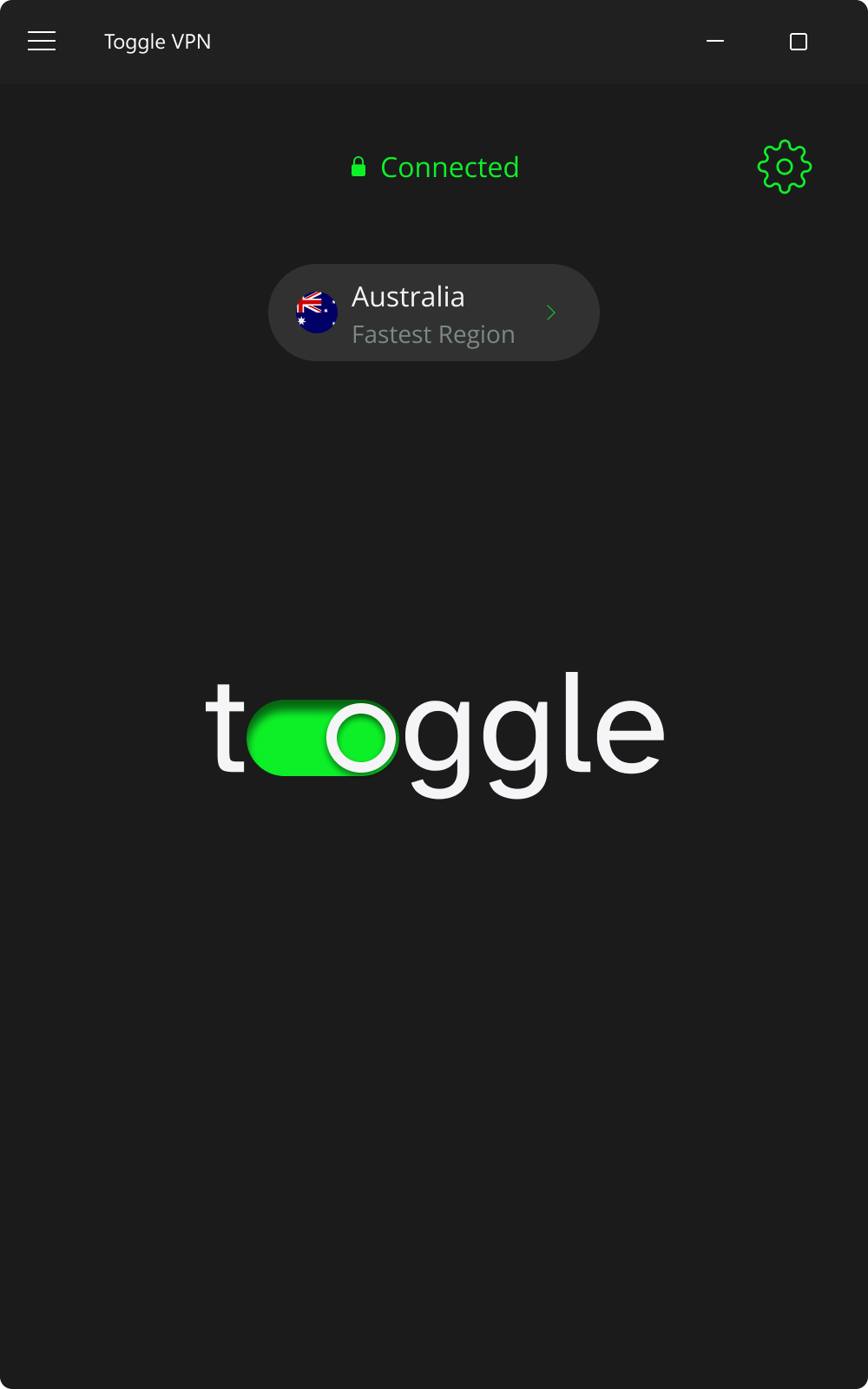
automatic connection to the fastest server

Switch servers

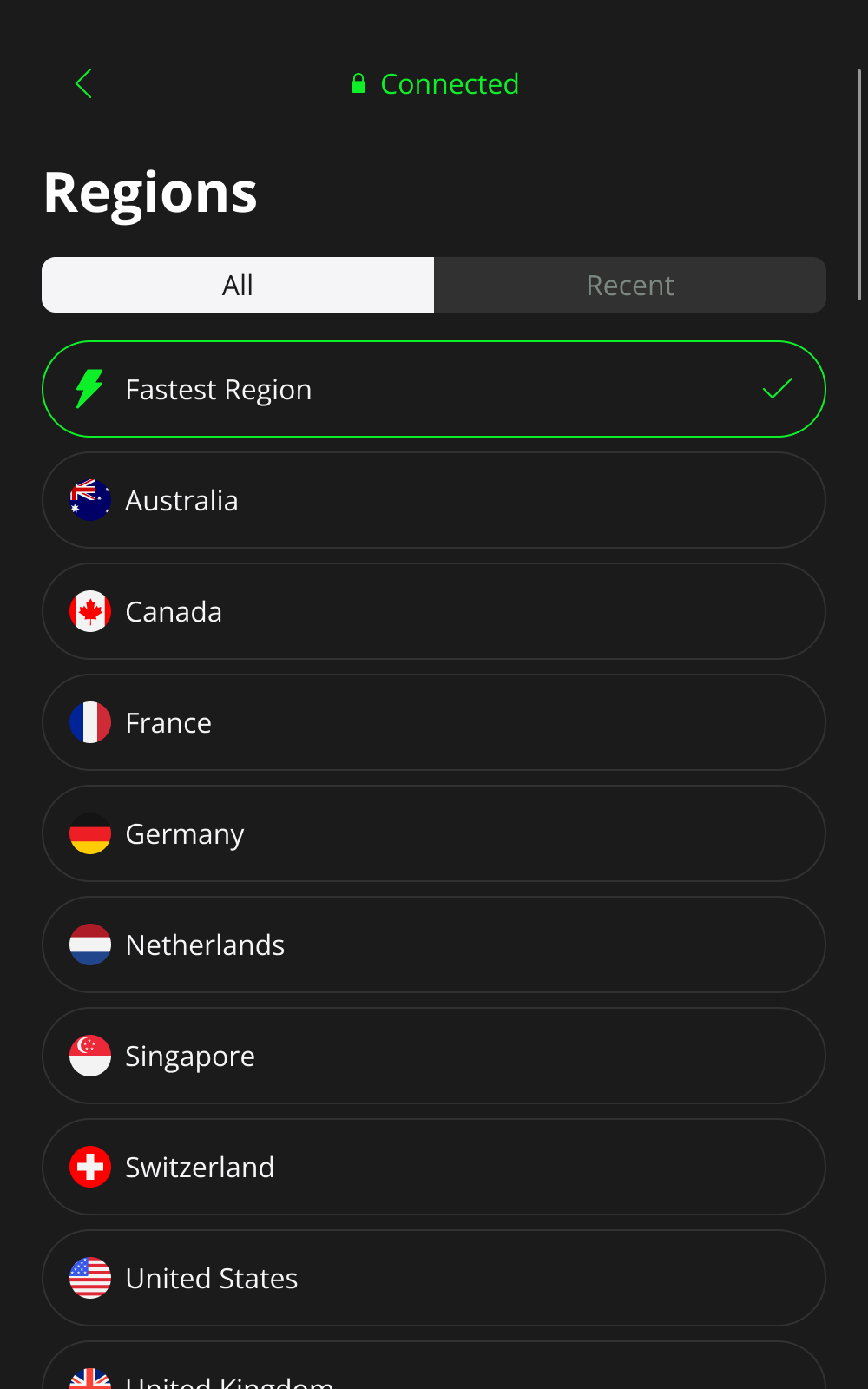
If you want to switch to a different location, just open the app. Click on any country to instantly connect. It just takes a few seconds to switch servers. You don't have to restart the app or your computer.
server location change

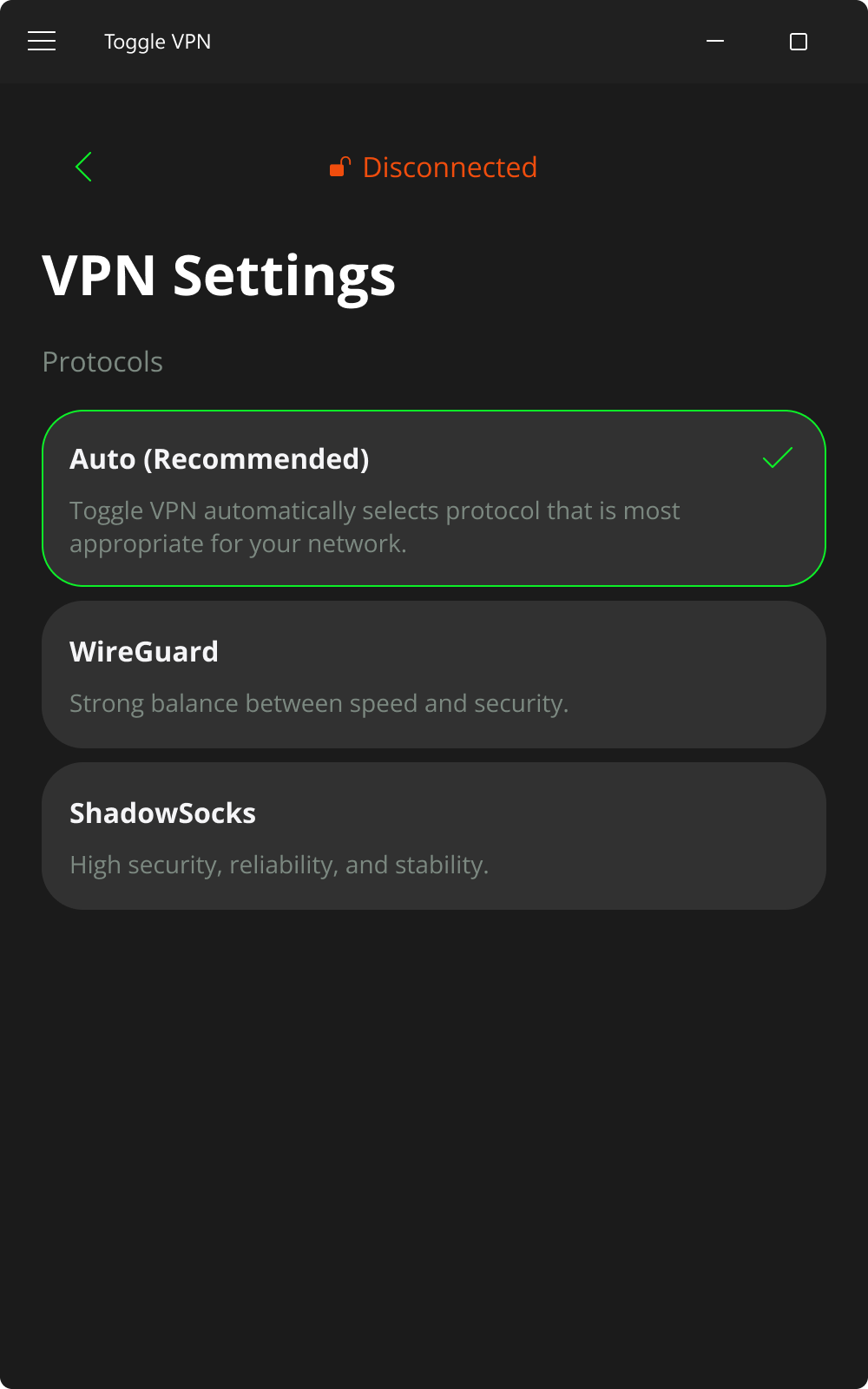
Select a protocol

You have the freedom to choose the protocol with Toggle VPN.

Available options are:

  • Auto (Recommended): The app will choose the best balance of speed and security for you.
  • WireGuard: Best for streaming, gaming, large downloads.
  • ShadowSocks: Best for encryption for maximum privacy.

If you're unsure, leave it on Auto — it's optimized for most Windows users.

automatic protocol selection

Why you need a VPN app on your Windows PC

Browse anonymously

Browse anonymously

Prevent websites, advertisers, your ISP from tracking your online behavior and selling your data.

Stop ISP throttling

Stop ISP throttling

Get full speeds on your internet connection for streaming or gaming with Toggle hiding your activity.

Secure public Wi-Fi

Secure public Wi-Fi

Encrypt your data, keeping your passwords and personal info safe from hackers at a coffee shop, airport, or hotel.

Access global content

Access global content

Unblock region-restricted websites, streaming libraries, news sites from the comfort of your PC.

Not only for Windows

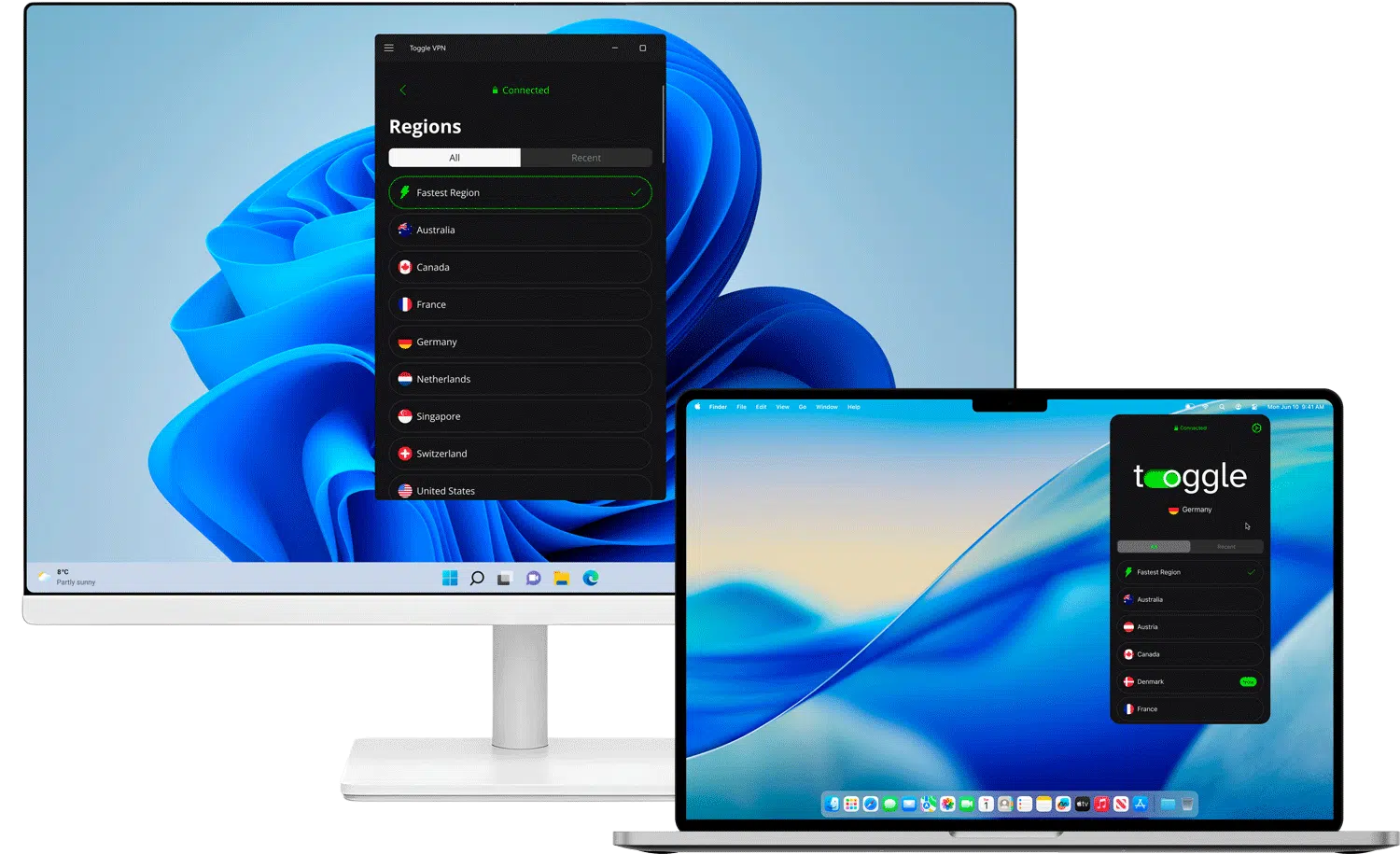
Download the Toggle VPN mobile app for Android or iOS to safeguard your data on the go and get Mac and Linux apps to enjoy the same powerful protection across all your devices. Our infrastructure ensures seamless performance for most PCs and laptops.

vpn protects desktops and laptops
macOS icon

MacOS

Unlimited speed and robust security for your Mac

linux icon

Linux

Our Linux version is on the way

Please check back soon…

Stay local, go global

True online freedom in any location

With over 1,200 high-speed servers in 26 different countries, you're always just a click away from a lag-free gaming session, a clear video call, or a buffer-free 4K video streaming session.

Whether you're at home in New York, traveling in Tokyo, or studying in Berlin, streaming sold-out concerts in London, accessing your favorite news sites from anywhere in the world, or scoring the best deals on flights and hotels by comparing local prices, with Toggle VPN's servers on nearly every continent, you're never far from a fast and reliable connection.

United Kingdom

United Kingdom

Singapore

Singapore

Germany

Germany

Hong Kong

Hong Kong

Brazil

Brazil

France

France

Canada

Canada

USA

USA

Austria

Austria

Switzerland

Switzerland

dependable vpn for windows with no risk
Toggle Logo

Try out Toggle VPN risk-free today

The app offers top-grade encryption, high speed, and a great desktop experience. Whether you are streaming, gaming, working from anywhere, or just surfing the internet, you are safe and private.

  • check markGlobal server access
  • check markHigh-speed unlimited bandwidth
  • check markNo-logs policy
  • check markRobust encryption
  • check markMulti-device support
  • check markAdvanced security features

Your purchase is backed by a 30-day money-back guarantee.

Real reviews from users like you

What Windows users say about Toggle VPN

4/5★

"Great speeds for gaming, ping stays low the entire session"

5/5★

"I use it daily for remote work. Stable and secure. Best VPN experience I’ve had on Windows so far."

4/5★

"Switched from another vpn because of the price, and I'm actually getting better ping in Valorant."

5/5★

"Runs smoothly in the background without lag."

4/5★

"I download huge game files, and the 2 Gbit speed is real"

5/5★

"Ive tried at least five different VPNs on my Dell XPS. Toggle is the only one with consistently fast speeds and a stable connection."

4/5★

"Fast connection to US and Europe"

5/5★

"I asked for a refund after 30 days just to test the policy. They processed it in 2 hours. I was so impressed, I signed up again immediately!"

4/5★

"Works perfectly on my windows 10 desktop nice vpn for everyday pc use"

01—09

FAQ

Yes. The application fully supports Windows 11 and 10 (64-bit), including compatibility with modern hardware. The app is optimized for desktop performance and runs smoothly on both newer and older Windows machines.

You can easily find this information by checking your Windows System Information. Press Win+R, type msinfo32, and press Enter. Now, in the System Summary section, you can see the System Type. It will tell you whether your system is x64-based, ARM64-based, or x86 (32-bit).

Toggle VPN is a lightweight app that is optimized for old versions of Windows on your PC. While VPNs may cause a small speed reduction due to encryption, our optimized server network and smart protocol selection minimize performance impact. In many cases, users experience more stable speeds by avoiding ISP throttling and congestion.

Yes. A single subscription allows you to connect up to 10 devices at the same time. You can protect your Windows desktop, laptop, tablet, and other supported devices under one account, making it ideal for home setups or multi-device users.

Absolutely. The service offers low-latency, high-speed servers optimized for gaming performance. You can reduce lag caused by ISP routing issues, protect against DDoS attacks, and enjoy smoother online matches — all while keeping your IP address private.

No. Our service follows a strict no-logs policy. We do not track, collect, or store your browsing history, connection timestamps, traffic data, or IP addresses. Your online activity remains private, giving you full control over your digital footprint.

Yes, and it's strongly recommended. Public Wi-Fi connections in coffee shops, airports, hotels, etc., are often not secure, which makes them an attractive target for cybercriminals. Without a VPN, you are vulnerable to hacking, which can compromise your passwords, online banking, personal messages, etc. With Toggle VPN, your internet connection is completely secure, creating a tunnel effect, protecting your PC from unauthorized access, no matter the network you are connected to.

Yes. It enables you to access the regional library of streaming services such as Netflix, Hulu, Disney+, and more, depending on the server you choose. When you connect to a different country, you will be able to view the content available in that region. Please note: Toggle VPN does not offer free streaming services. You will still need to have an active subscription to the service you wish to use. The app simply enables you to securely connect and browse content available in different regions.